

5 Ways to Boost Team Productivity with Gemini and New Shareable Gems

Source: workspace.google.com/blog
1. NEW: Turn individual experience into a team asset with sharable Gems
Gems are customizable versions of Gemini that you can tailor to your specific needs and tasks. Users can create a „Marketing Copywriter” expert Gem that knows the brand voice, or a „Code Reviewer” Gem that understands programming standards and can be used to consistently perform repetitive tasks without needing to re-enter long prompts each time.
The Google team is announcing that users can now share their own Gems. This has been one of the top requests from users, and now everyone can create and share Gems with their teammates. Sharing Gems will be similar to sharing a Google Doc or Sheet. You can make someone a Viewer or an Editor, and if the Gem contains uploaded files, the user will also be prompted to share them.
This can enhance a team’s potential by helping its members expand their expertise and increase productivity. Imagine a marketing manager creating a „Brand” Gem trained on the unique brand voice and sharing it with the entire department. This will scale content creation while ensuring brand consistency across all channels. Or a sales manager distributes a „Proposal Builder” Gem with their team to accelerate deal closures based on best practices.

Share Gems with your team members to create powerful team resources.
2. Go from novice to expert in minutes with Deep Research
- Industry research to explore new potential markets
- Asking Gemini to gain a deeper understanding of the competitive landscape
- Using research to gather more information before engaging with a potential client.
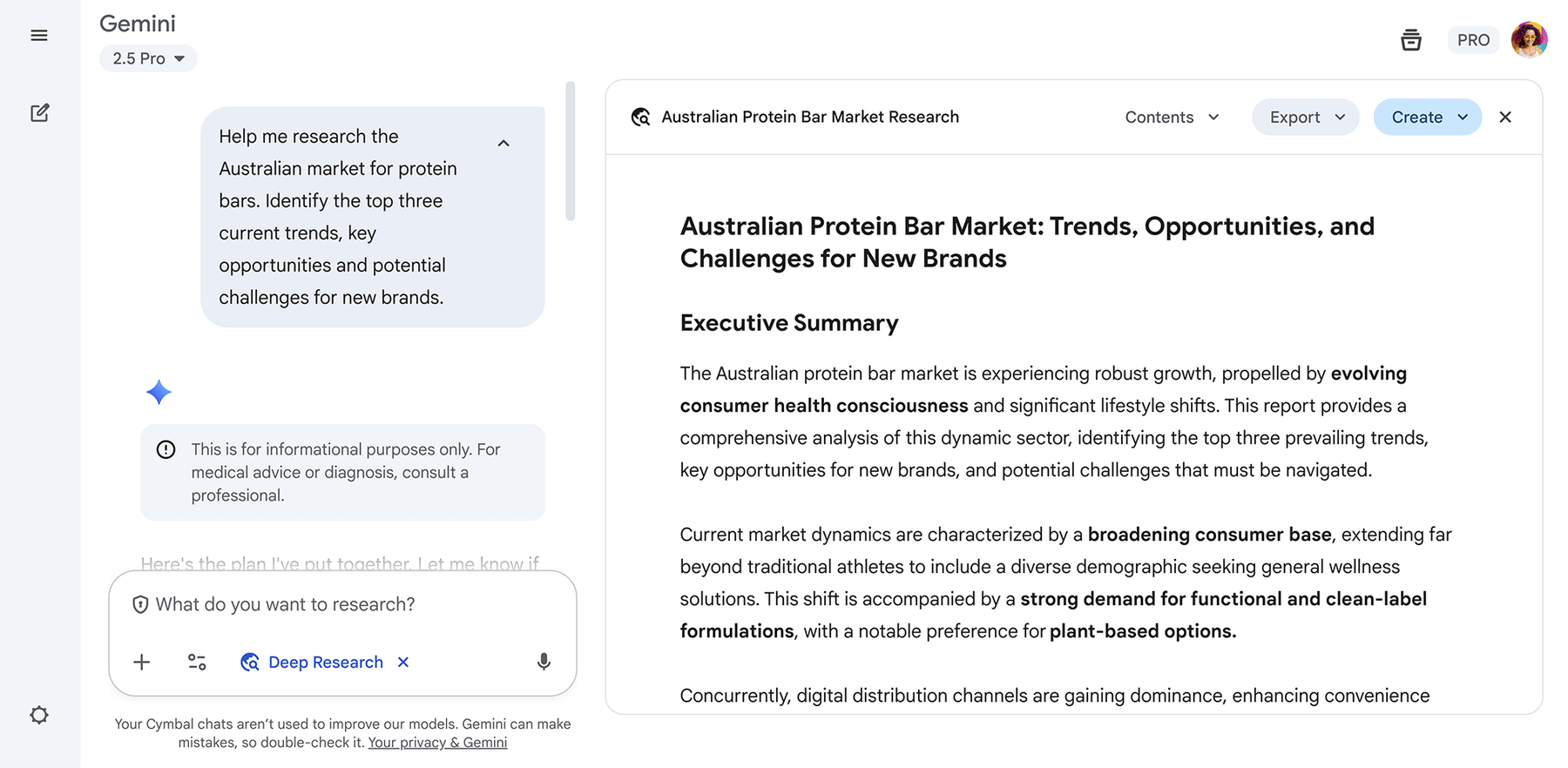
Explore complex topics and get a comprehensive, easy-to-read report with Deep Research.
3. Create captivating videos with Veo 3

Bring your videos to life with Veo 3 in Gemini.
4. Get insights from Google Workspace
Gemini is directly integrated with the Google Workspace apps that people use every day, helping you get more done without switching between different tabs and tools. You can quickly find information and create summaries from your conversations and content in Gmail, Docs, Drive, and other services — all without leaving the Gemini app.
For example, a sales representative preparing for an important conversation with a potential client can ask the Gemini app: „Summarize all emails and meeting notes with [Company Name] from the last 90 days.” Gemini can retrieve relevant emails from Gmail, find meeting notes in Google Docs, and compile a concise, actionable brief in seconds.

Gemini easily connects with other Google Workspace apps.
5. Stay up-to-date and get regular help with scheduled actions
Gemini is becoming more proactive with scheduled actions. You can set up personalized updates and reminders to run daily, weekly, or as a one-time event. Get a summary of unread emails and your calendar every morning, receive a quick overview of top news, or automate other routine tasks so you can focus on what’s most important. Google experts have noticed how people on their teams use the Gemini app to get properly briefed for the day and stay informed about the latest news in the tech world.
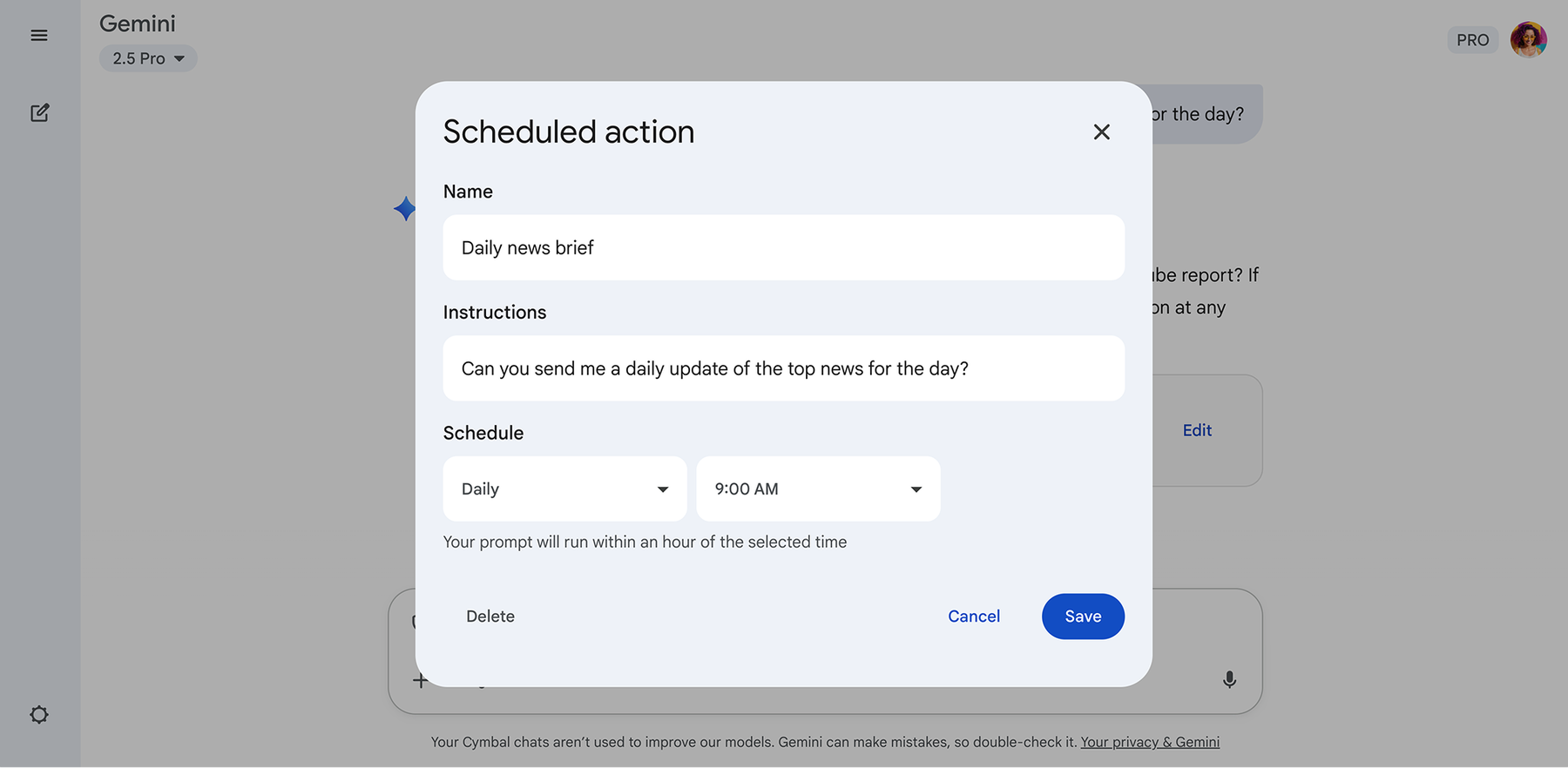
Plan ahead by scheduling actions in the Gemini app
Get started today
The Gemini app is a powerful AI-powered assistant designed for everyday work. The Google team encourages users and their teams to start exploring these features and discover how they can work more efficiently and achieve more. The Gemini app, with advanced access to features and models with enterprise-grade security and privacy, is included in Google Workspace Business and Enterprise plans.
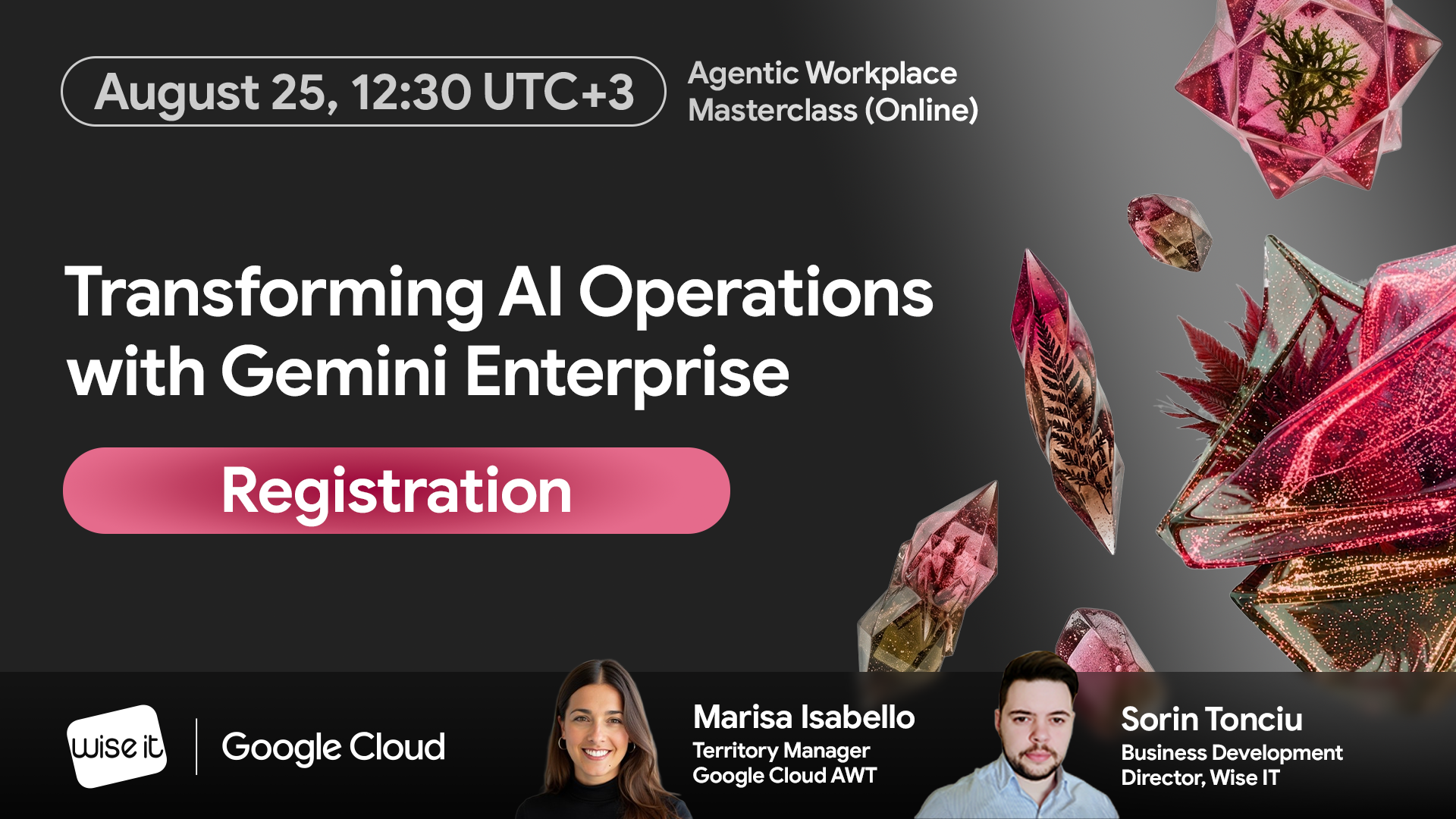
Wise IT is an official Google Workspace partner in Ukraine! Request a free consultation on implementing and configuring the Google Workspace platform for your team:



This site is registered on wpml.org as a development site. Switch to a production site key to remove this banner.